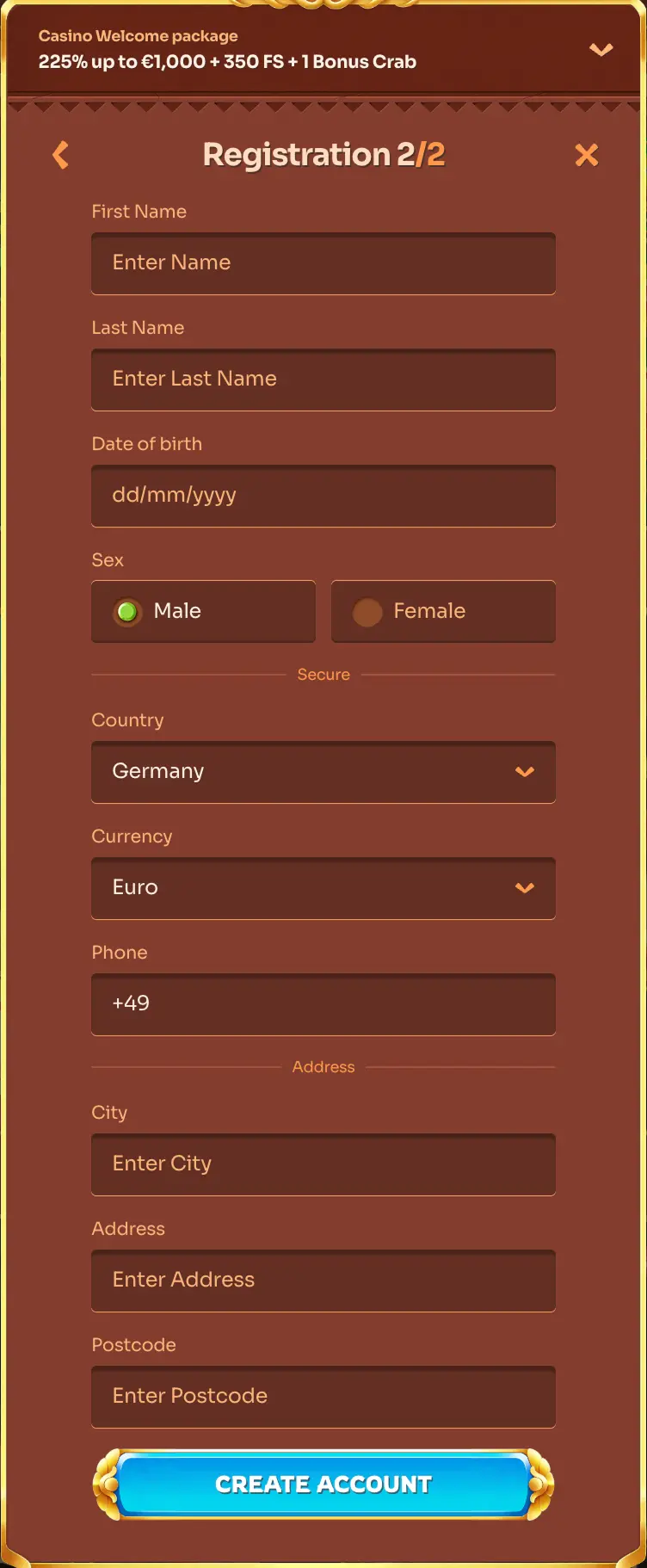

How do you sign in step by step, and what should you check before contacting anyone?
Most failed attempts come from small slips, so check the basics before any Cleobetra Login retry.
- Open the official Cleobetra website and make sure the address is typed correctly, not copied from an unknown message.
- Press the Login button, normally placed near the top of the page.
- Type the e-mail address or username you used when registering, exactly as you entered it then.
- Enter your password. Check that Caps Lock is off and that your keyboard layout is correct.
- Confirm the form and wait for your personal account to load. When you finish, use the log out option in the account menu, especially on a shared device.
If a screen asks for an extra confirmation, follow what it says.
Sign in here